Simple, private, everywhere.
Synced everywhere
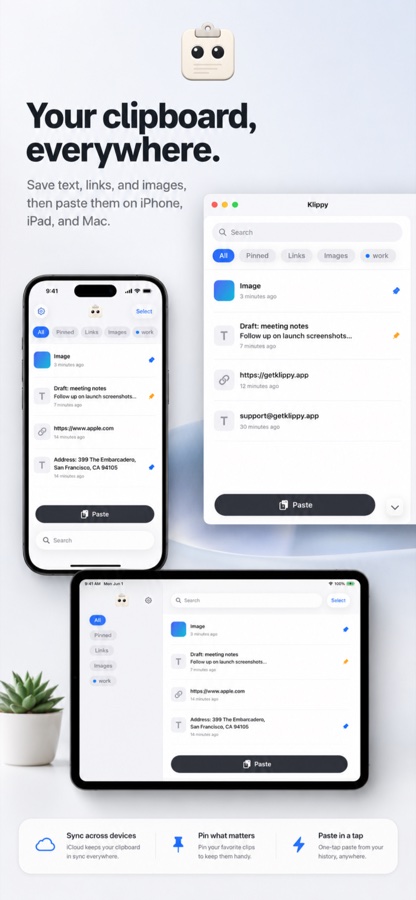
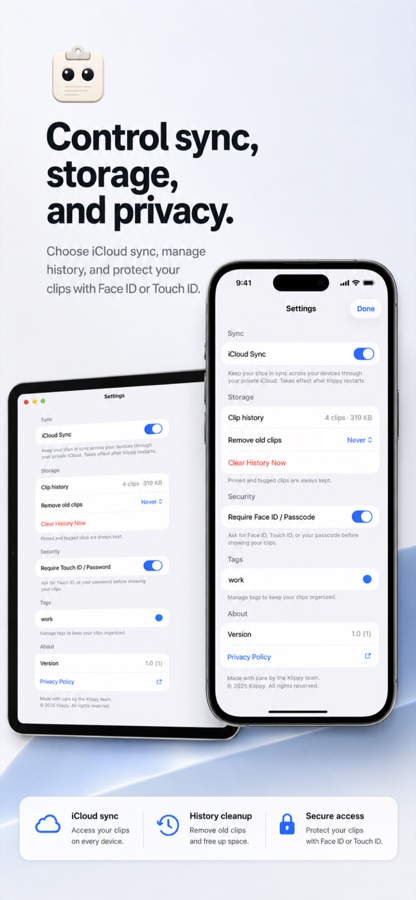
Copy on your Mac, paste on your iPhone — your saved history follows you across every Apple device.
Private by design
Your clips live in your own iCloud — no accounts, no servers. Not even we can read them.
Paste from anywhere
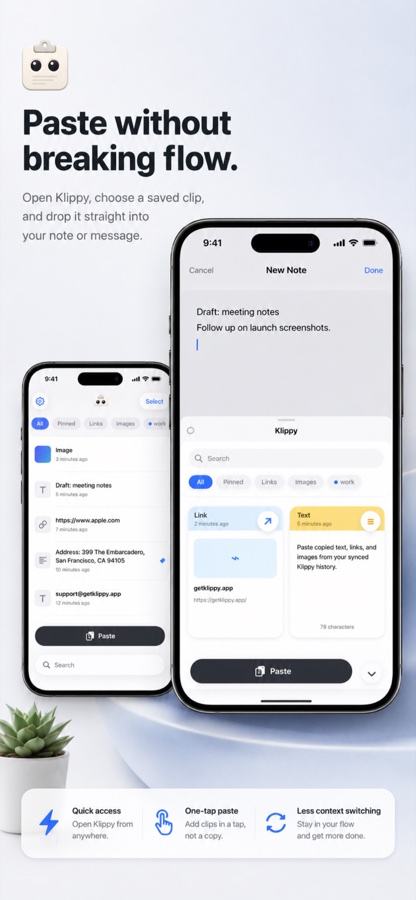
A keyboard and share sheet put your clips a tap away. On Mac, summon them with:
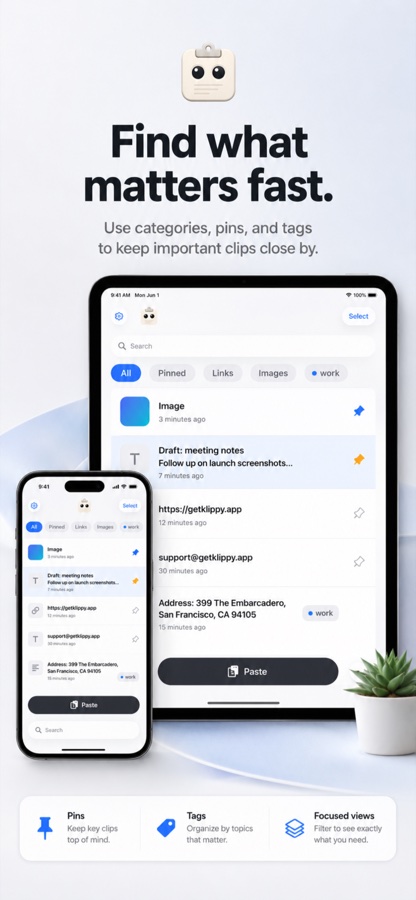
Pin & tag
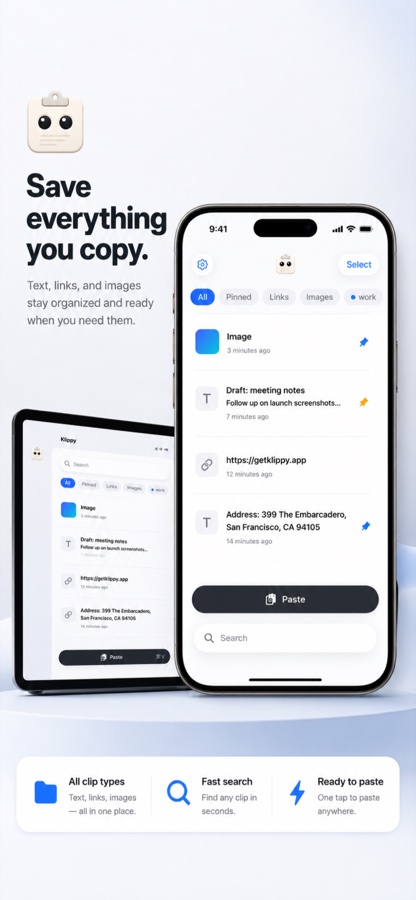
Keep the clips that matter, organized your way.
Free, forever.
No subscriptions, no in-app purchases. Just download Klippy and keep it.
Questions, answered.
What is Klippy?
A clipboard manager for Mac, iPad, and iPhone. On Mac, it keeps new copies while it runs. On iPhone and iPad, save clips with the paste button, keyboard, or share sheet.
How much does it cost?
Klippy is free to download from the App Store. No subscriptions, no in-app purchases.
Is it private?
Yes. Your clips live in your own iCloud — no accounts, no servers. Not even we can read them.
Which devices are supported?
Mac, iPad, and iPhone, with your clipboard history synced across every Apple device through iCloud.
How do I paste from Klippy?
On Mac, summon your clips with ⌘⇧V. On iPhone and iPad, a keyboard and share sheet put your clips a tap away.
Your clipboard, finally under control.
Free to download. Yours forever.
Coming soon to the App Store